


Clear payroll statements
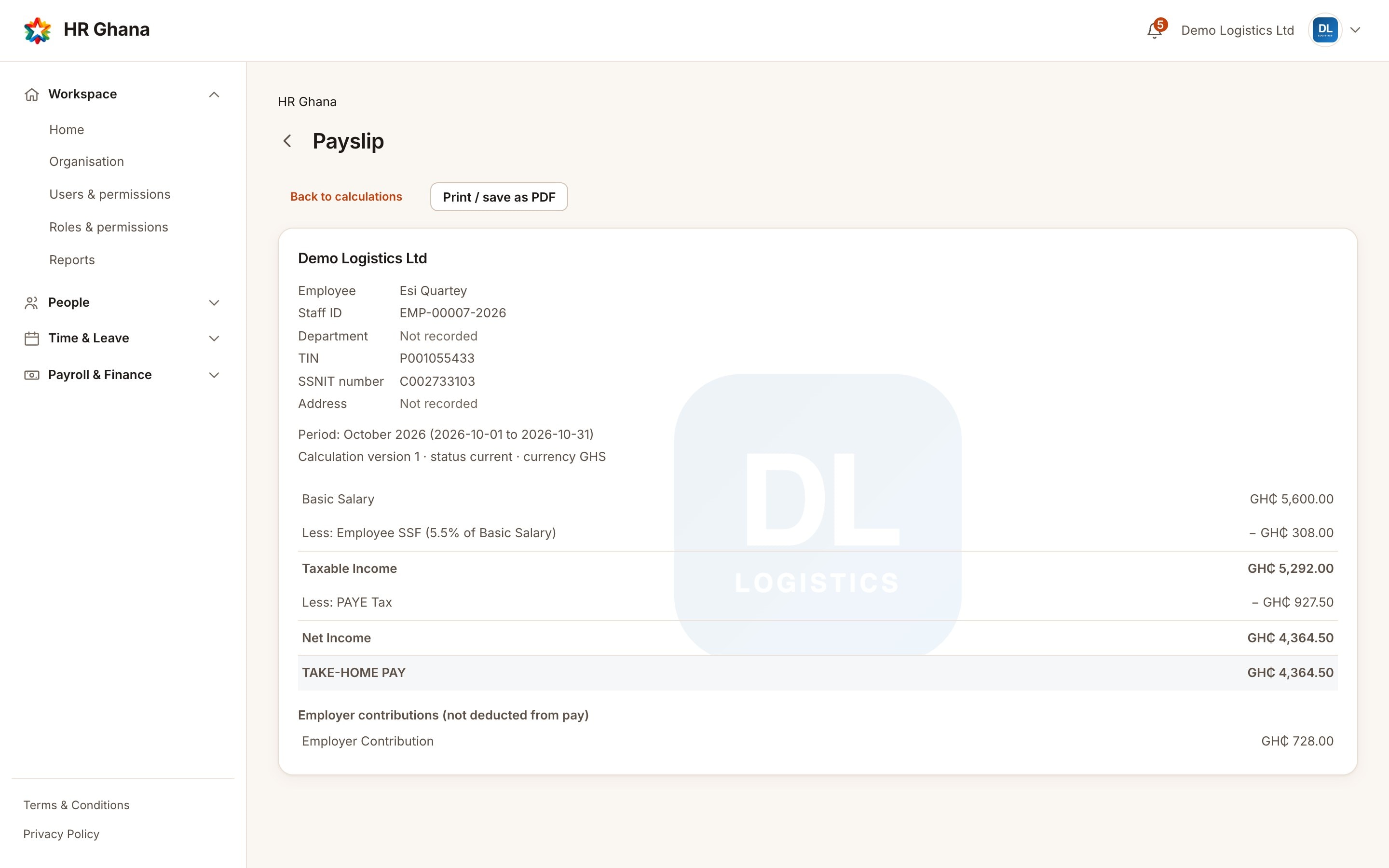
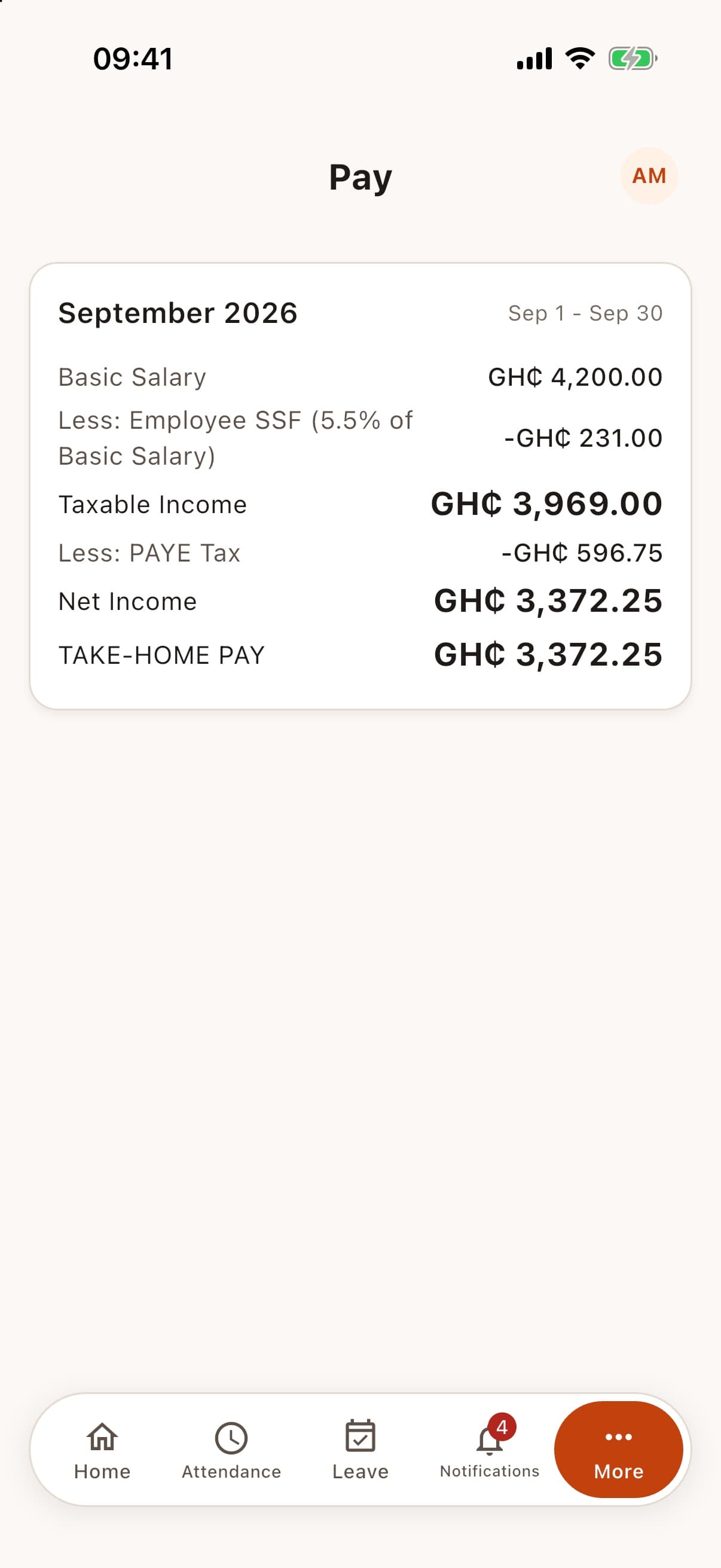
Every payslip reads in order: basic salary, employee SSF, taxable earnings, PAYE, net income, then allowances and approved claims to the final take-home pay. Printable, and the same figures on the web and in the app.

Built for Ghana
HR Ghana brings employees, payroll with an approval workflow, leave, attendance, expenses, company assets and statutory filing support together, on the web and on your phone.
Everything in one platform
From the first day of onboarding to the last day of employment, with the controls your finance team expects.
Every payslip reads in order: basic salary, employee SSF, taxable earnings, PAYE, net income, then allowances and approved claims to the final take-home pay. Printable, and the same figures on the web and in the app.
Finance and Finance Manager roles. A payroll run is reviewed, then approved by a different person, against the exact payslips that were reviewed. Nothing is paid by approving.
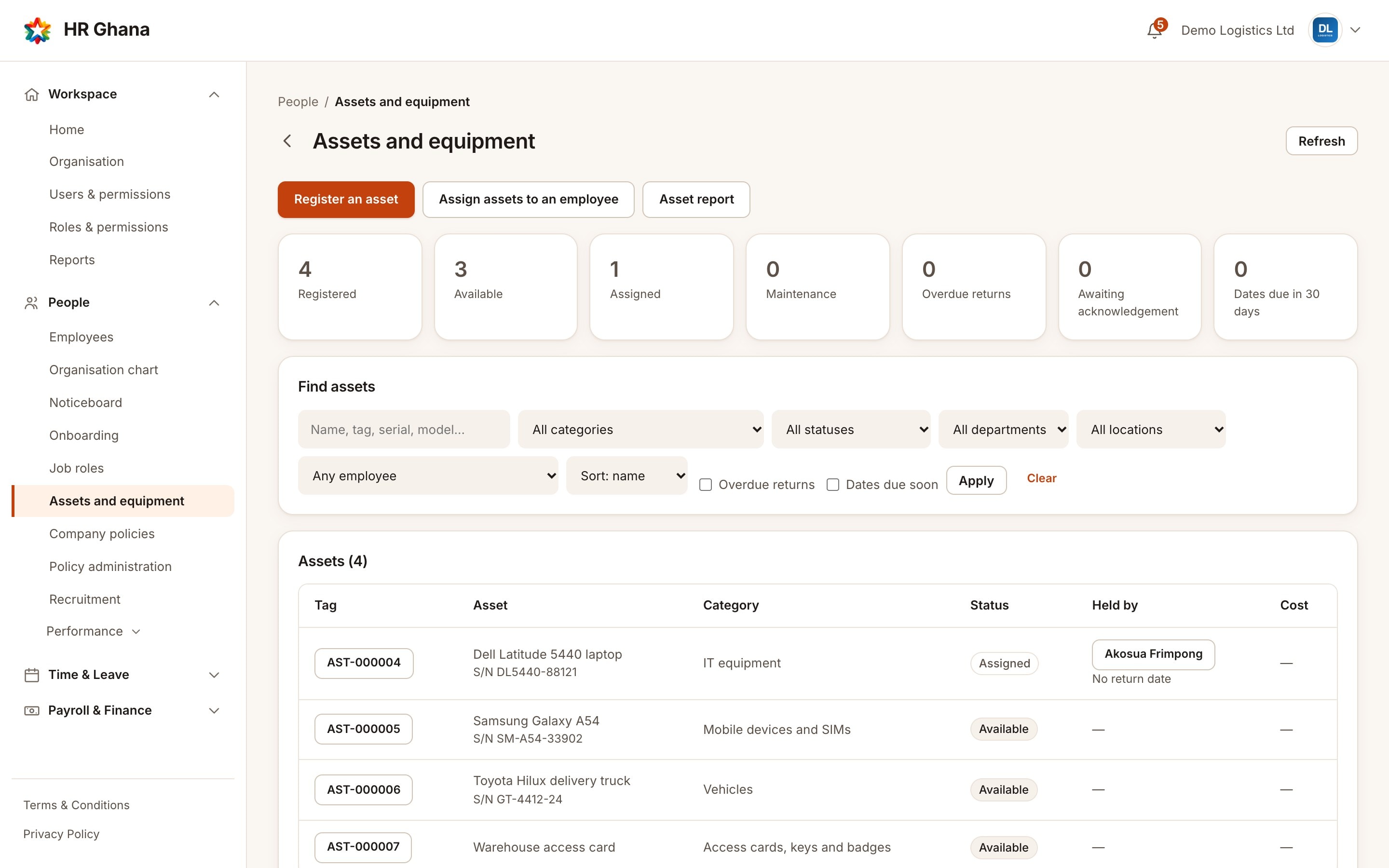
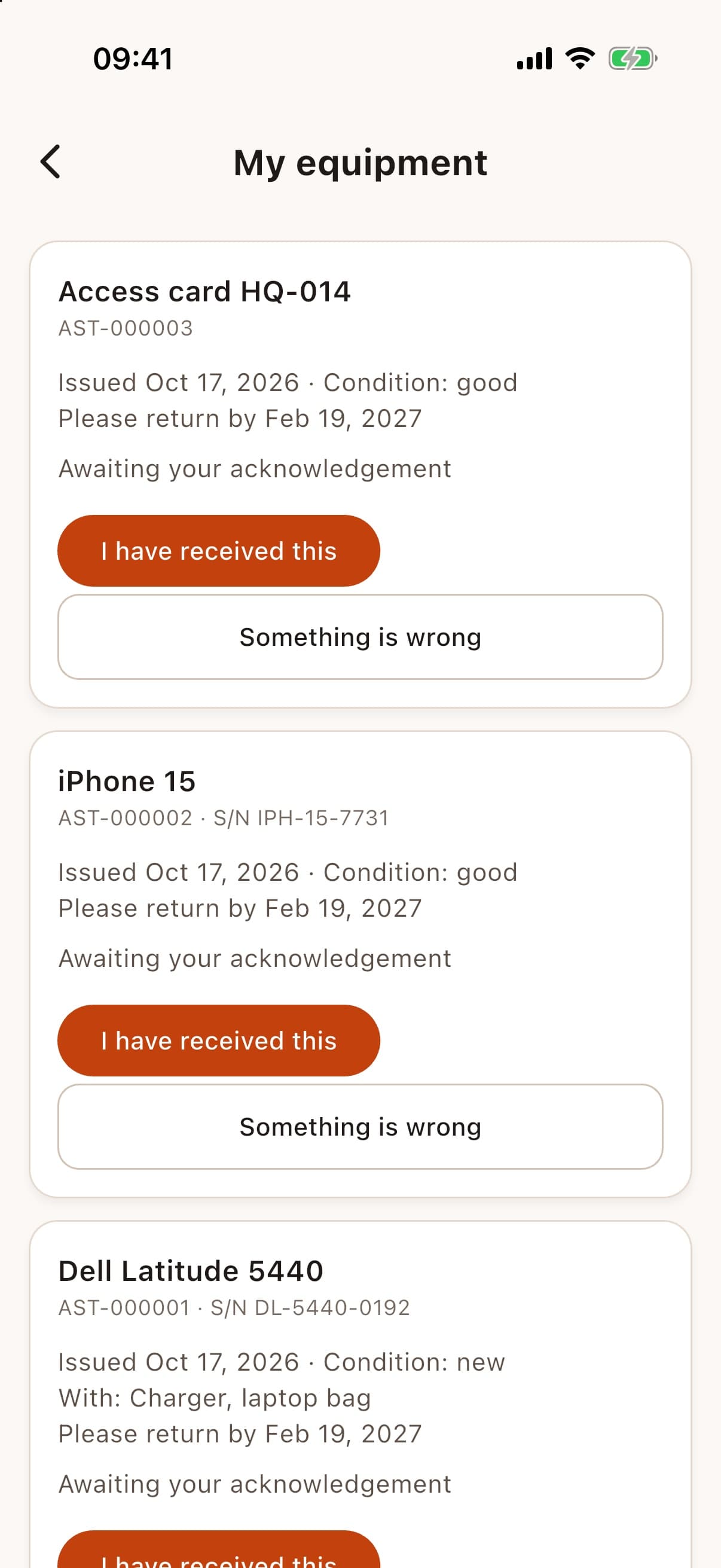
Register laptops, phones, vehicles, keys and tools. Assign several items at once, record the handover, track maintenance, and recover everything when someone leaves.
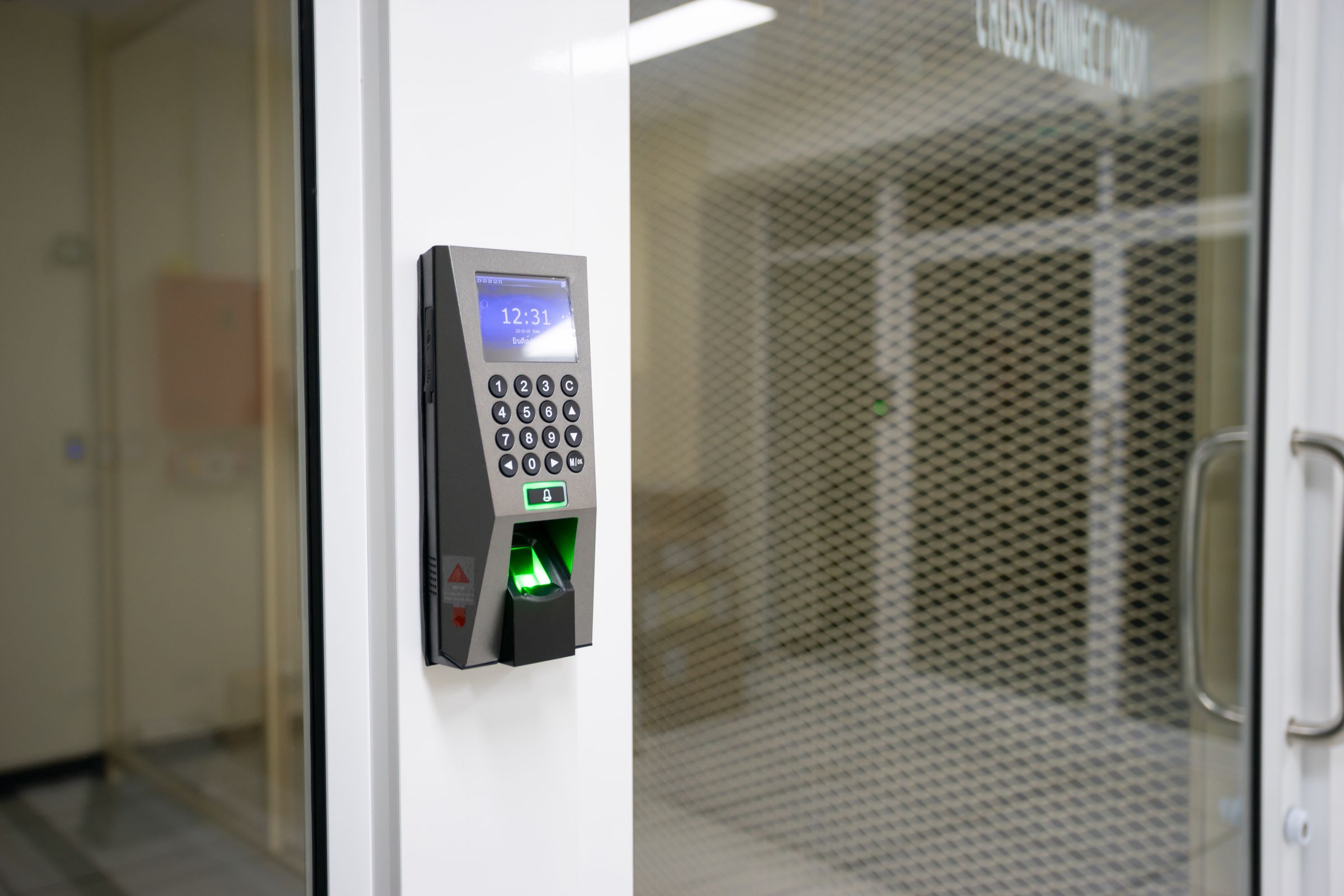
The web and the app, GPS work areas, QR codes, and fingerprint or face-recognition terminals, all in one attendance record, with refused attempts kept for HR to review.
Only approved overtime is paid, at the multipliers you set. Salaried staff are never docked for attendance, and the day-pay rule is yours to define.
Publish announcements to the whole organisation, a department or a team, delivered in the app and by email.
Start new joiners from a template with tasks for HR, managers and the employee, due dates, and an overdue view.
Leave types, entitlements and approvals, shifts and schedules, timesheets and corrections.
Claims with receipts, approvals and reimbursement, and staff loans with repayment tracking.
Record that payroll payments were initiated and confirmed by different people, with partial and failed payments kept honest.
Prepare and validate the files GRA and SSNIT expect, with a filing history. You review and submit them yourself.
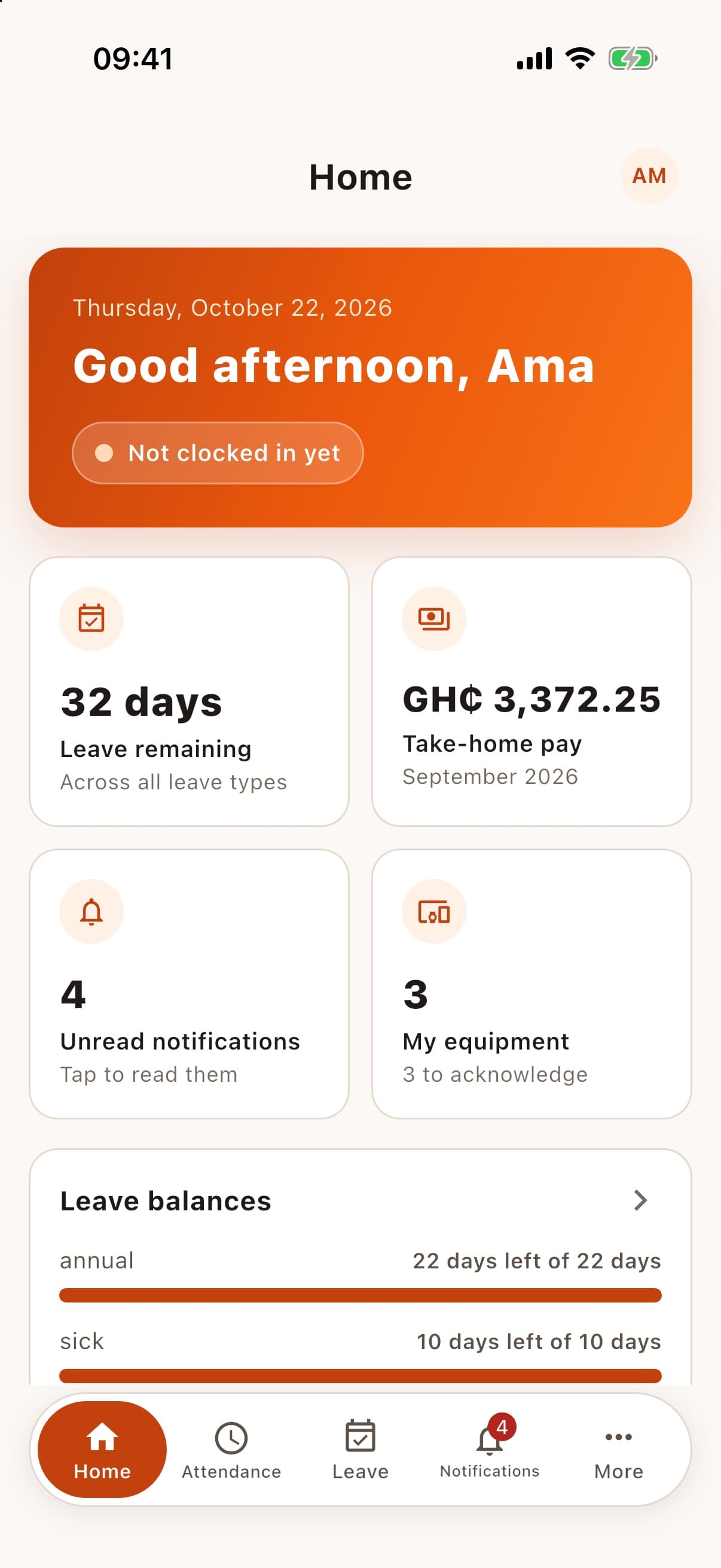
Clock in, request leave, read payslips, see and acknowledge your equipment, and read the noticeboard.
Attendance
Choose the methods that suit each organisation. Every method feeds one attendance record, with the same rules, the same audit trail and a clear reason when a clock-in is refused.

Clock in, take breaks and clock out from the browser or the HR Ghana app.
The server checks the phone's position against your work-area boundary. Exact coordinates are not kept, only whether the check passed.
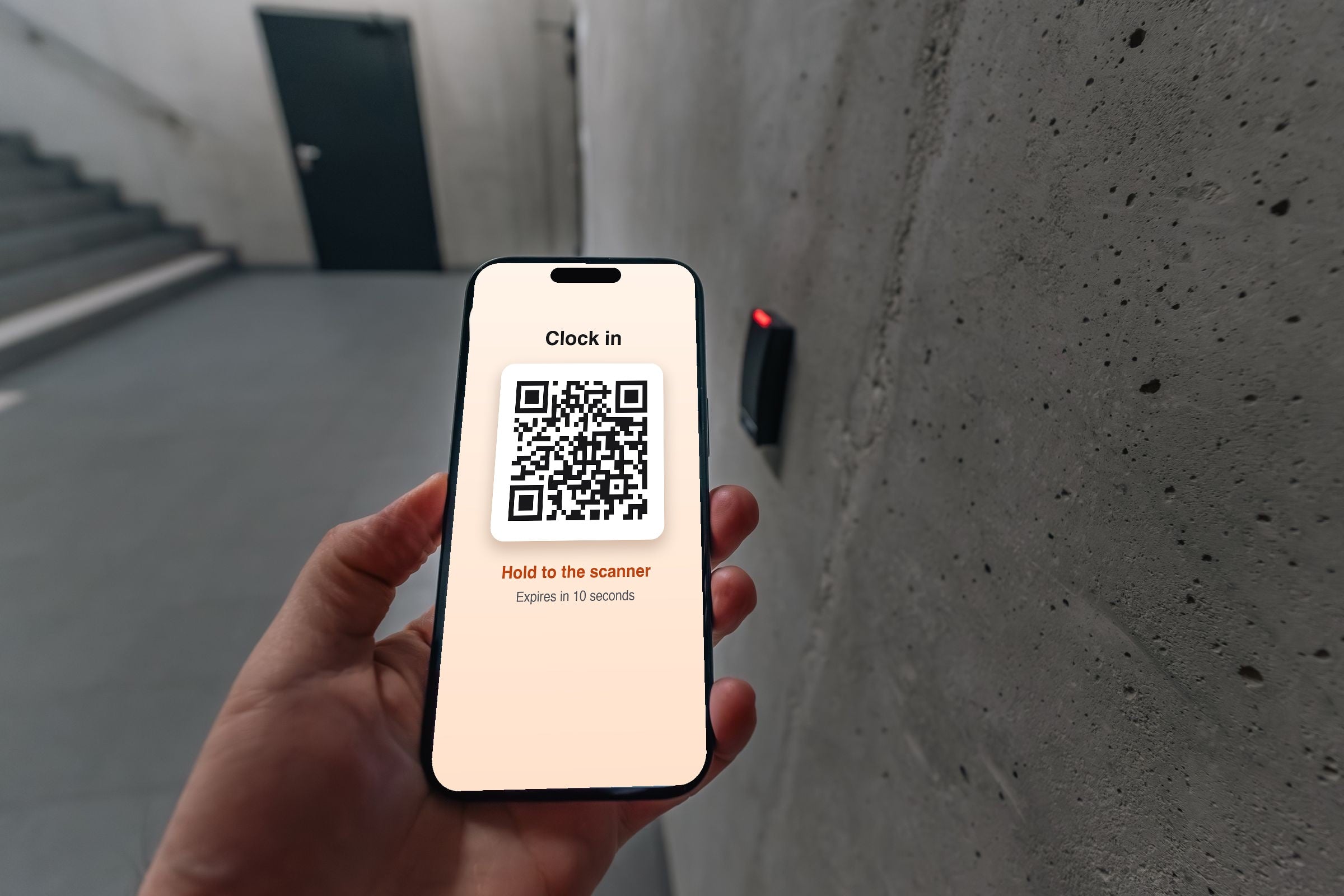
The employee shows a short-lived, single-use QR code in the app and a registered scanner reads it.
A terminal matches the fingerprint and sends HR Ghana the result: who, in or out, and when.
Same secure result for face-recognition readers. HR Ghana never receives or stores face images.
Forgot to clock out? A correction is requested, approved by HR and kept in the audit trail.
Fingerprint and face-recognition terminals are connected on request. Each organisation is reviewed and approved before they are switched on, matching stays on the terminal, and compatibility depends on your terminal being able to send results securely over the internet. Images are illustrative.
See it working
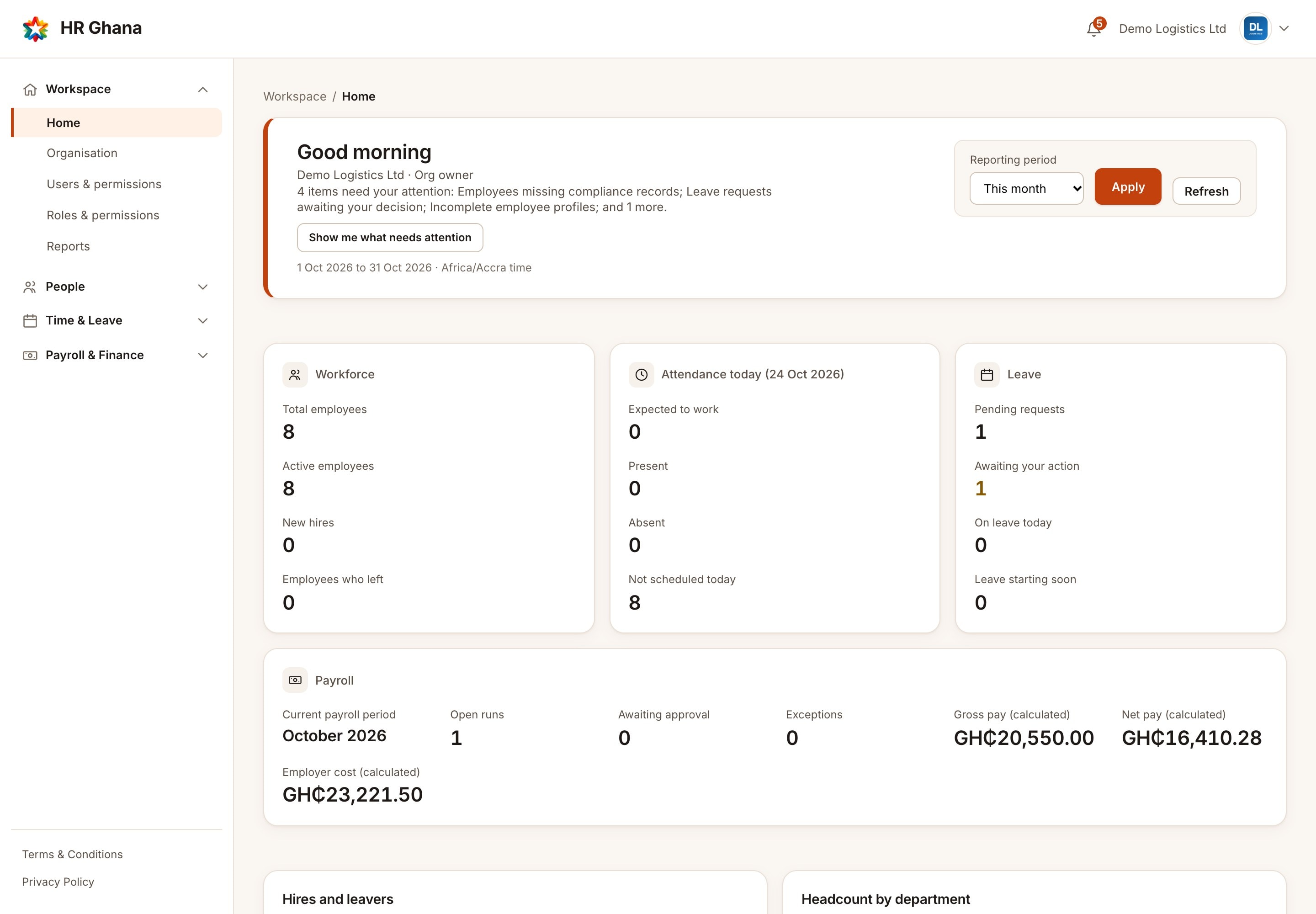
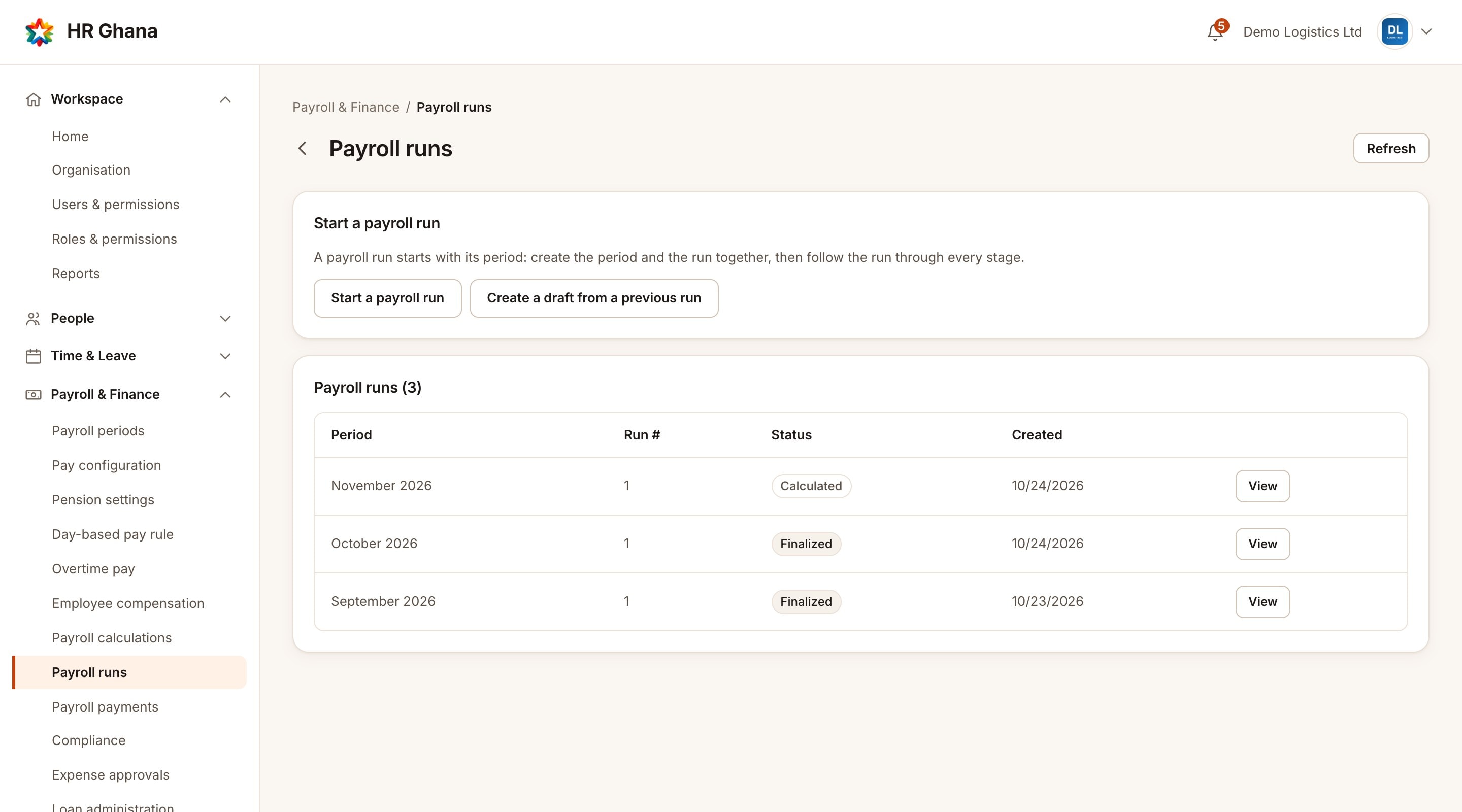
Real screens from the running product, with sample data.
Statutory compliance
GRA and SSNIT filing are the two things every Ghanaian employer has to get right. HR Ghana calculates them from your real payroll data, validates them, and keeps a full filing history.
Generates and validates the files GRA and SSNIT expect — it doesn't submit to government systems on your behalf.
Every calculation is reproducible against the exact statutory rules in effect for that pay period, even after the rules change later.
Payroll
Calculate payroll, apply the right statutory deductions, and move through review and approval before anyone gets paid.
People
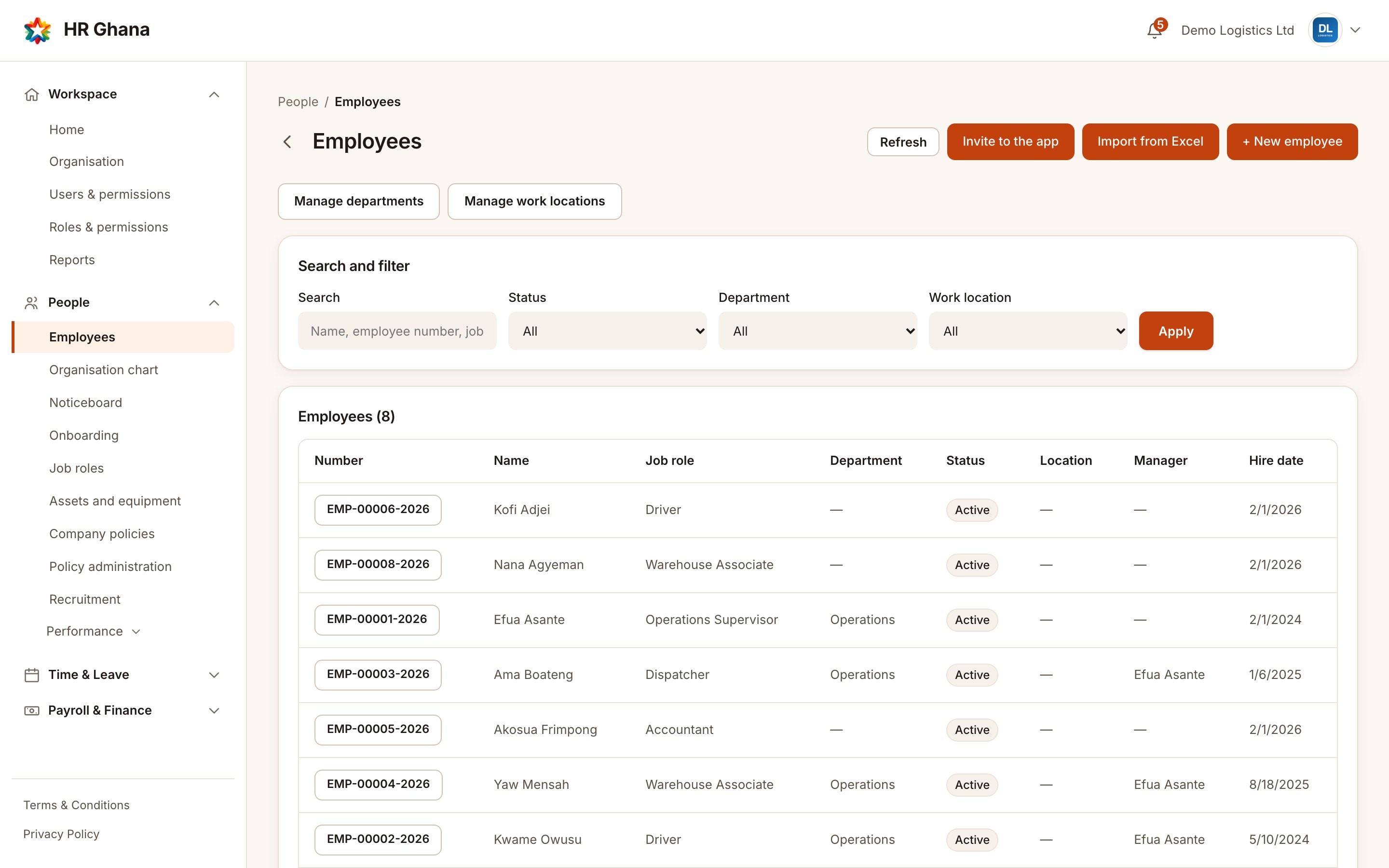
Employee records, organisation structure, onboarding, company assets and self-service access, kept up to date and visible only to the people who need them.
HR on the go
A real, dedicated mobile app: clock in, request leave, check payslips and acknowledge your equipment from anywhere. The screens below are the actual app, not a mockup.
Pricing
Start free for 30 days. No credit card required. Cancel anytime.
Learn HR Ghana
Short PDF tutorials with screenshots. Download them, print them or share them with your team.
For your whole organisation
A slide presentation that explains everything to your team: people, time and leave, payroll, filings, equipment, billing and your data.
For owners and HR administrators
Set up your organisation, add people, choose roles and add your logo and letterhead.
For Finance and approvers
Calculate, review, approve and finalise a run, and read the payslip. Includes SSNIT per employee.
For HR and Finance
Produce the GRA PAYE schedule and the SSNIT member listing, and check them before you file.
For HR administrators
Register, assign, hand over and recover company equipment.
For HR administrators
Web, mobile, GPS work areas, QR codes, and fingerprint or face-recognition terminals.
For owners and billing managers
Your plan, the grace period, read-only access, and downloading all your data.
For employees, managers and HR
Record overtime, get it approved, and see how approved overtime is paid.
For everyone on your team
Clock in, request leave and overtime, apply for a loan, download your payslip and get help.
30 days free. No credit card required. Local support.
Start 30-day free trial